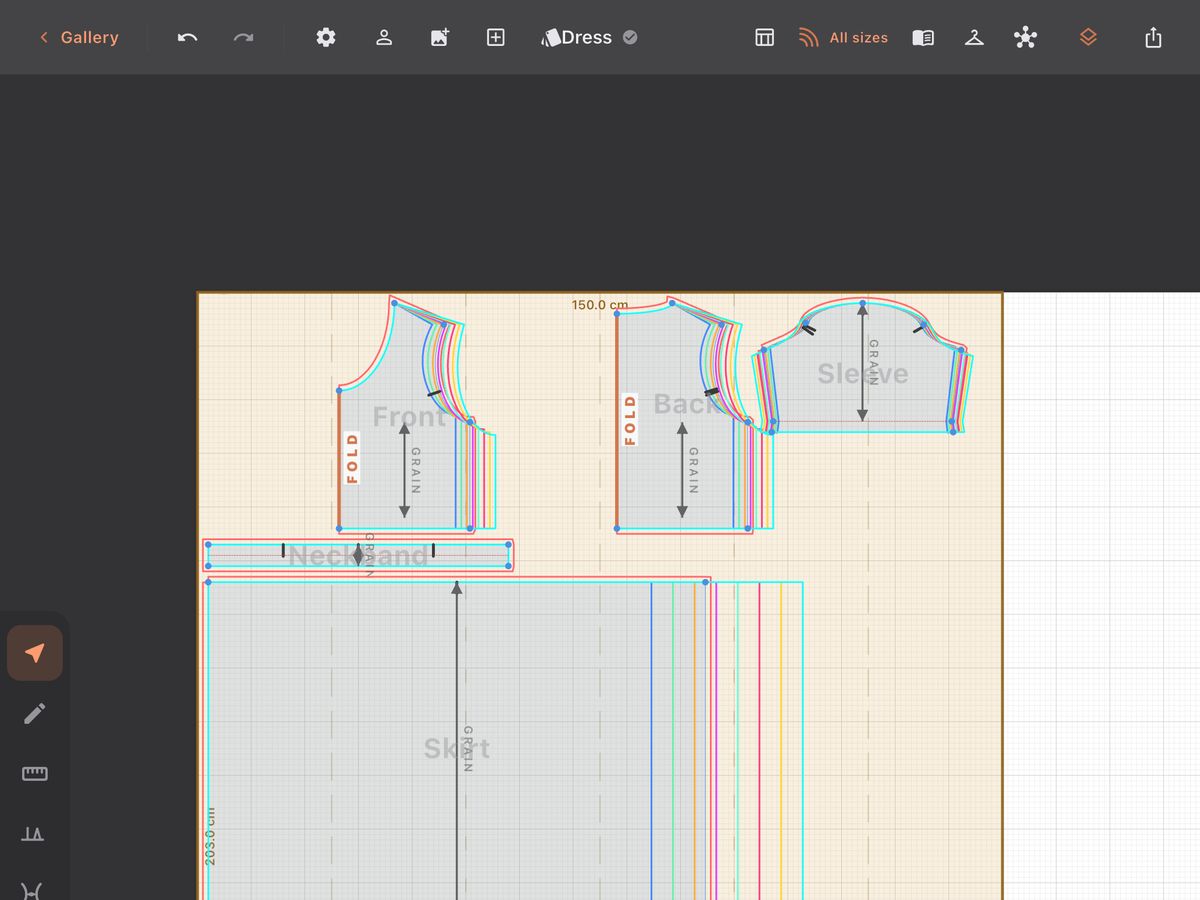
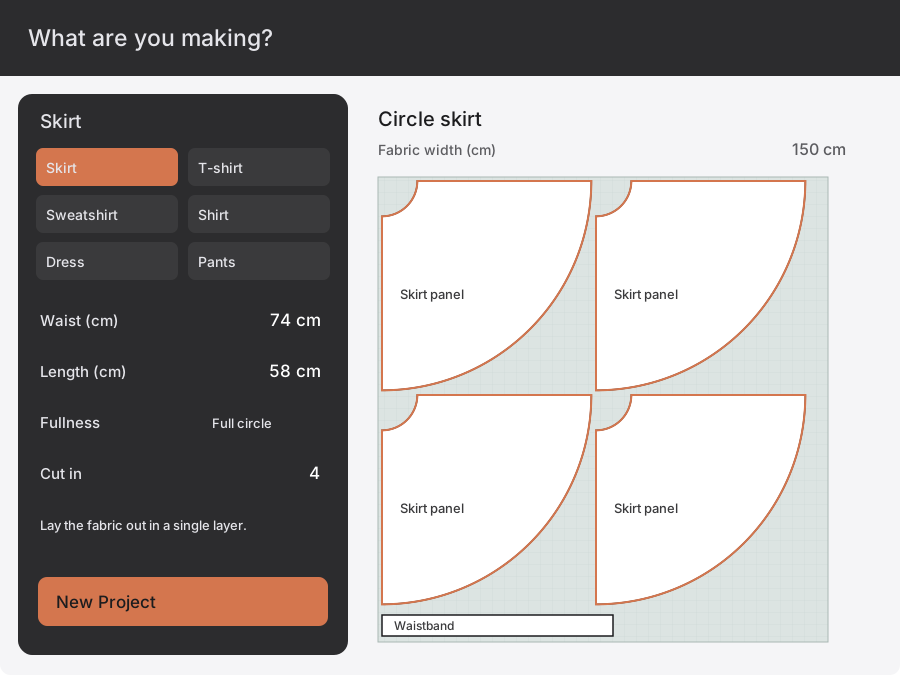
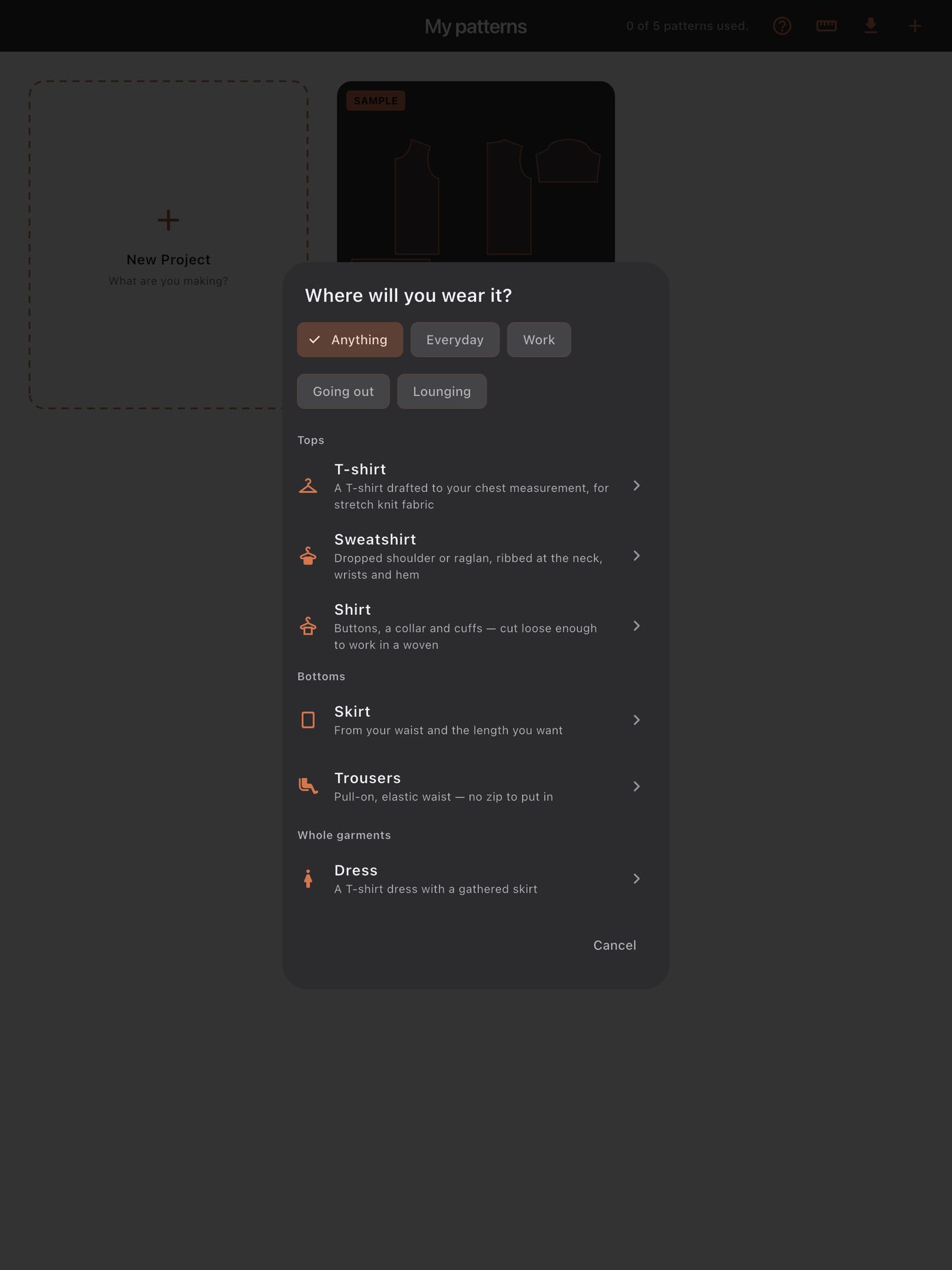
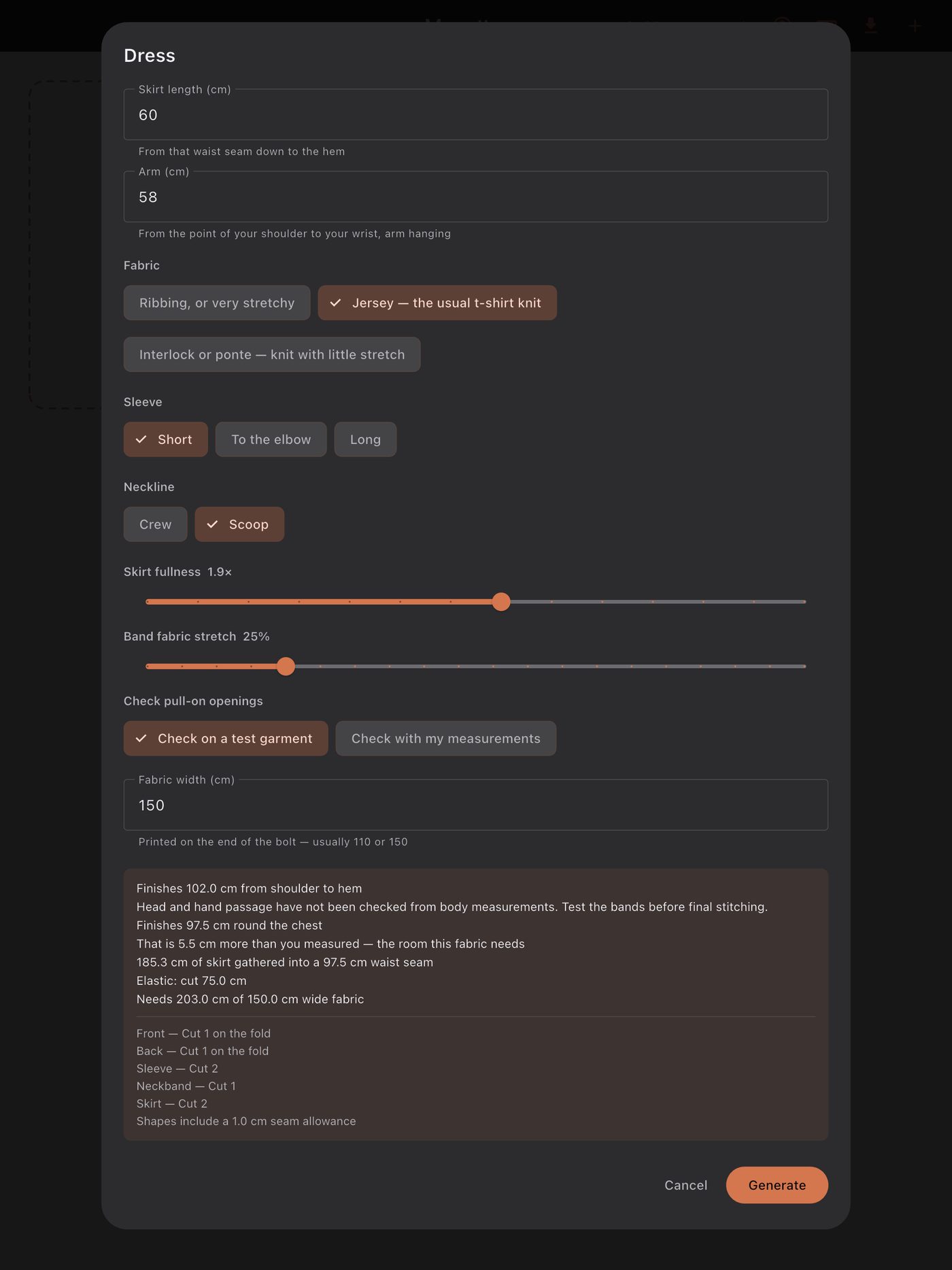
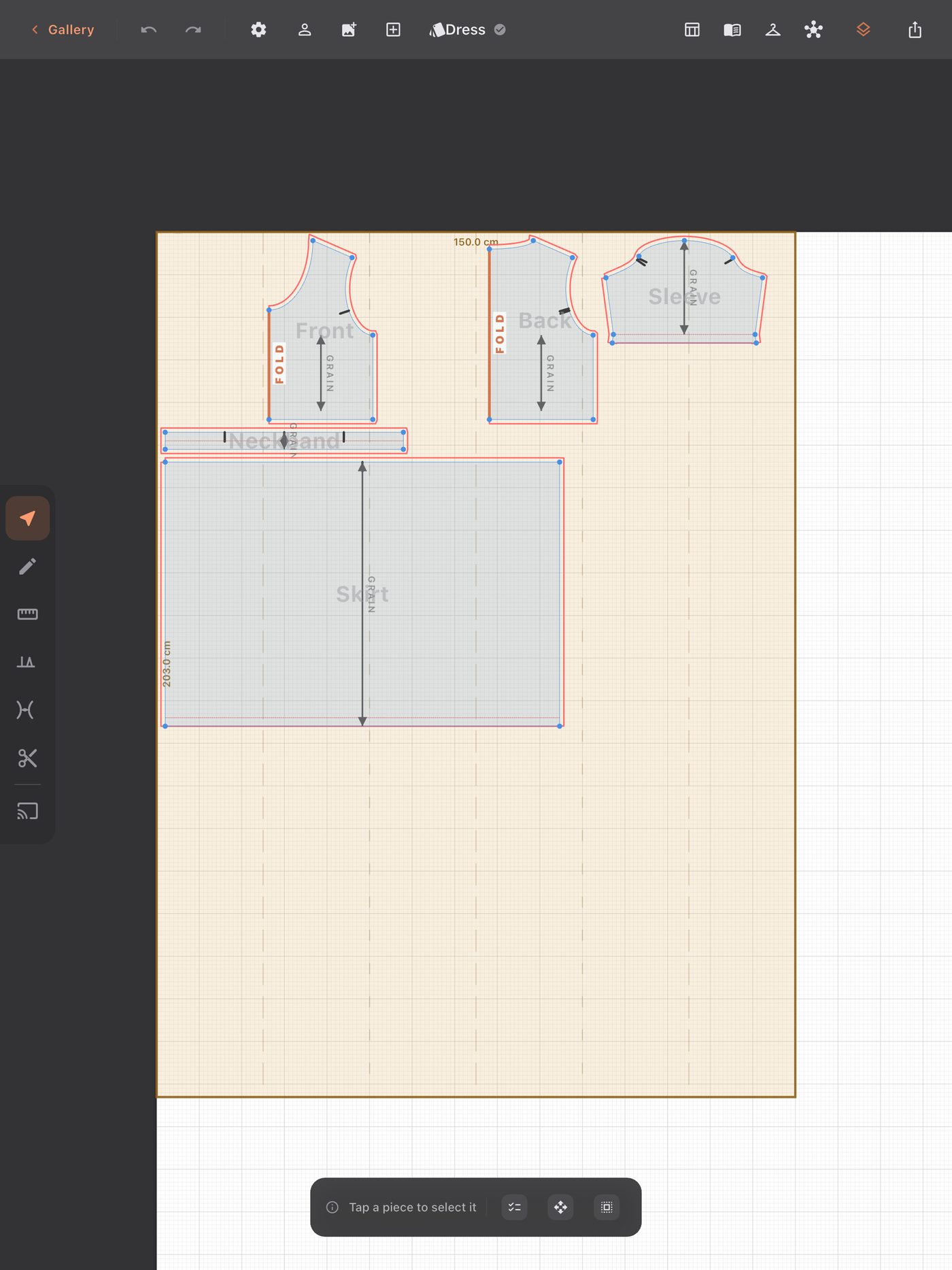
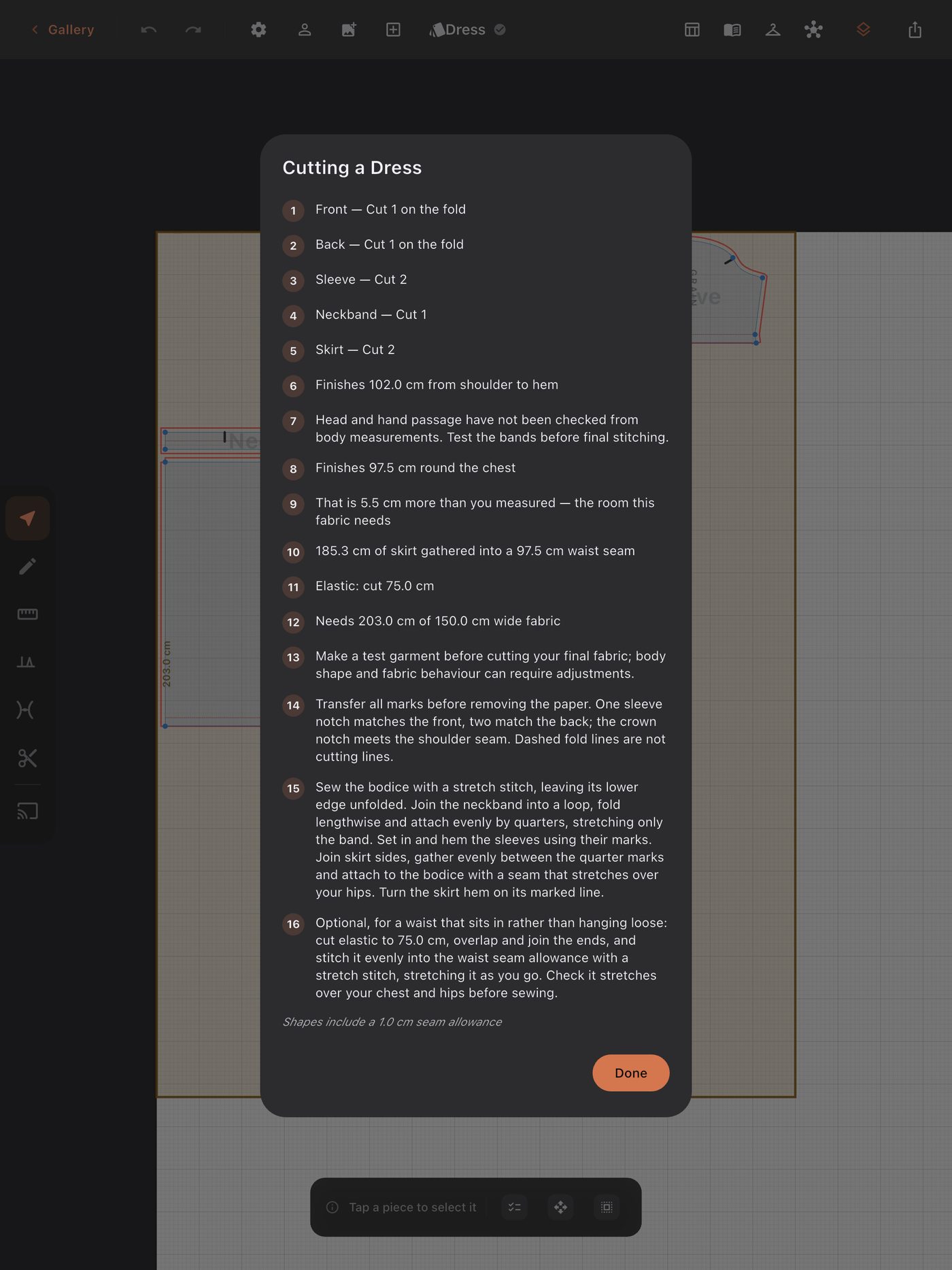
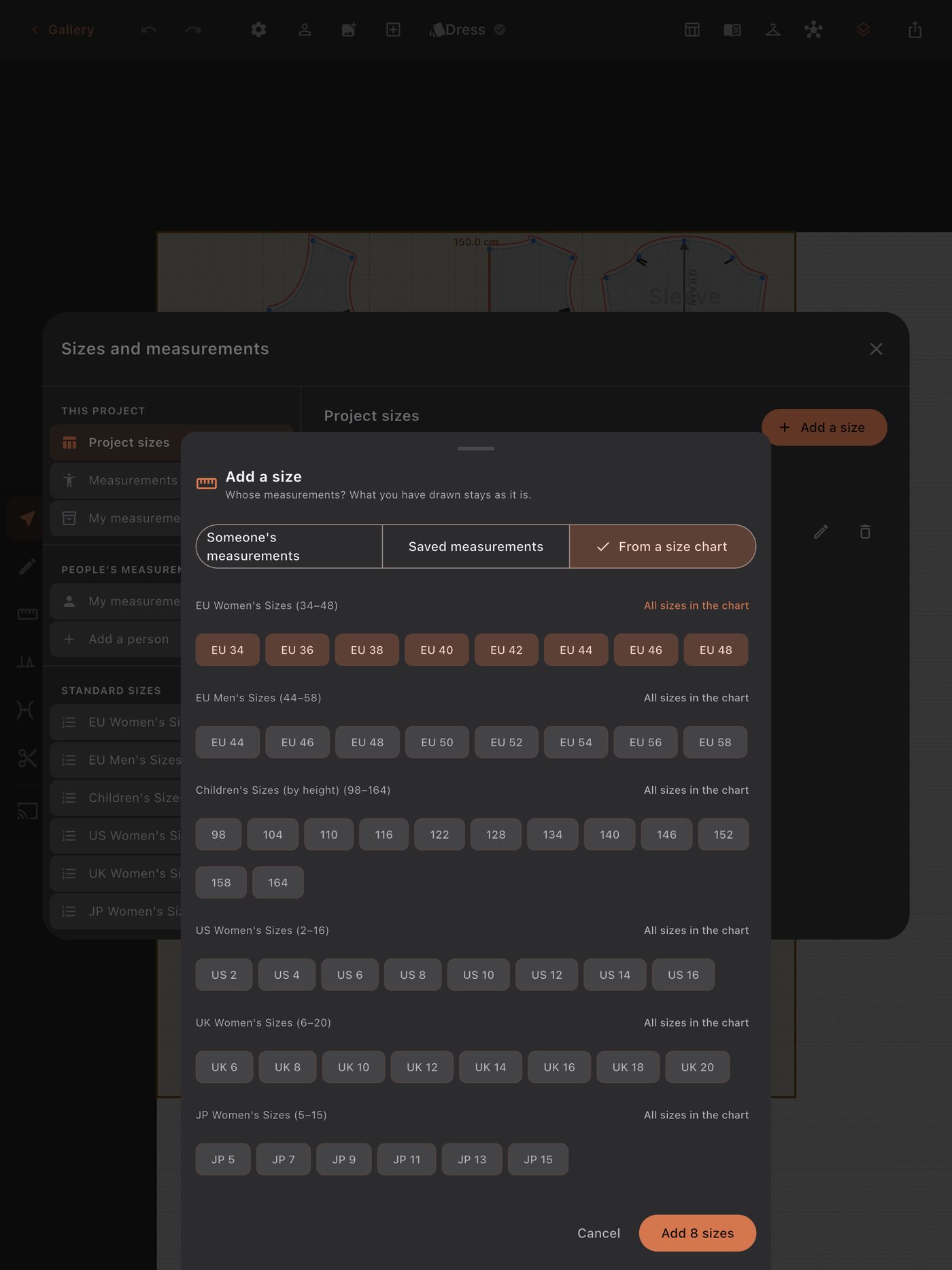
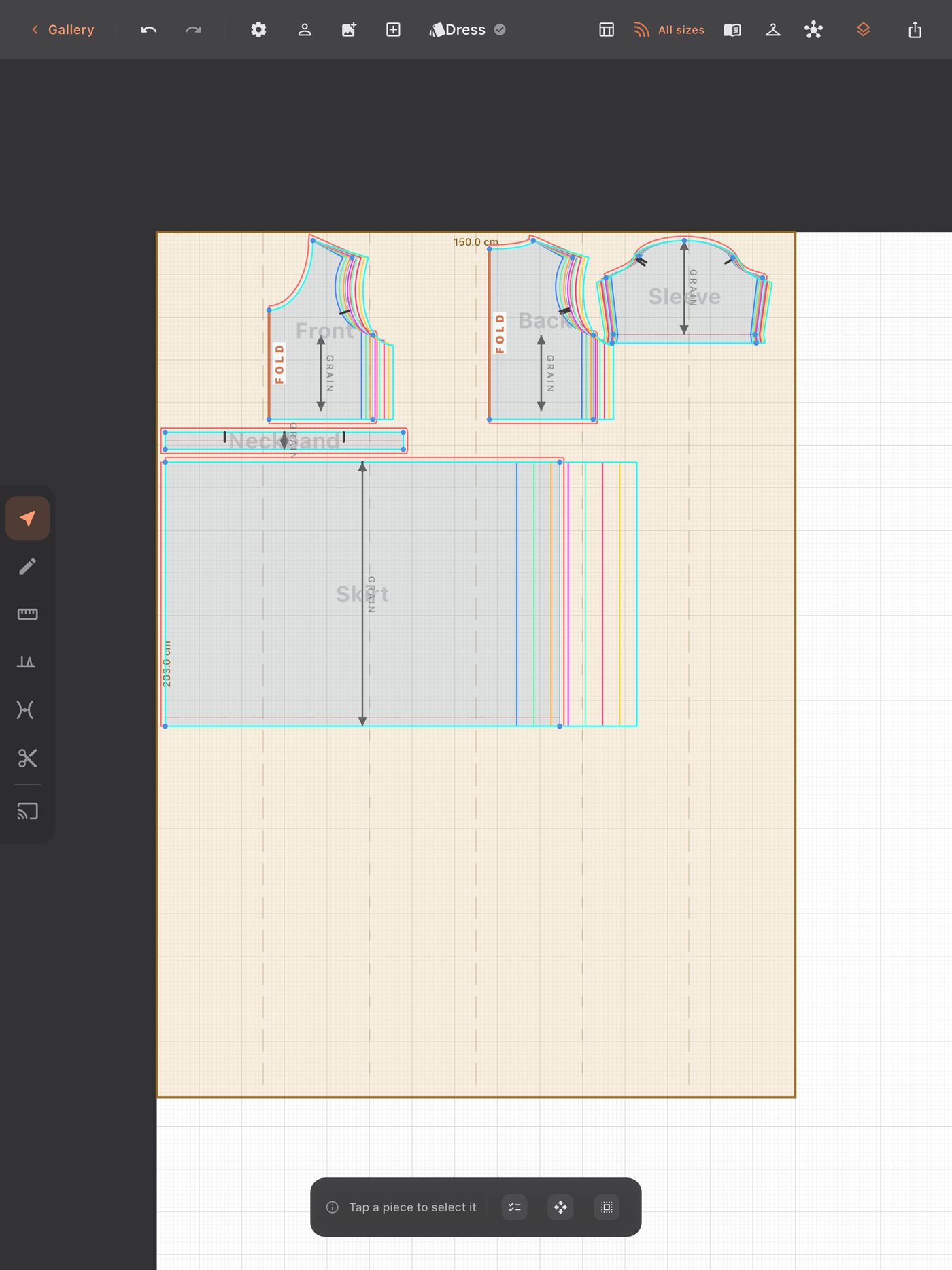
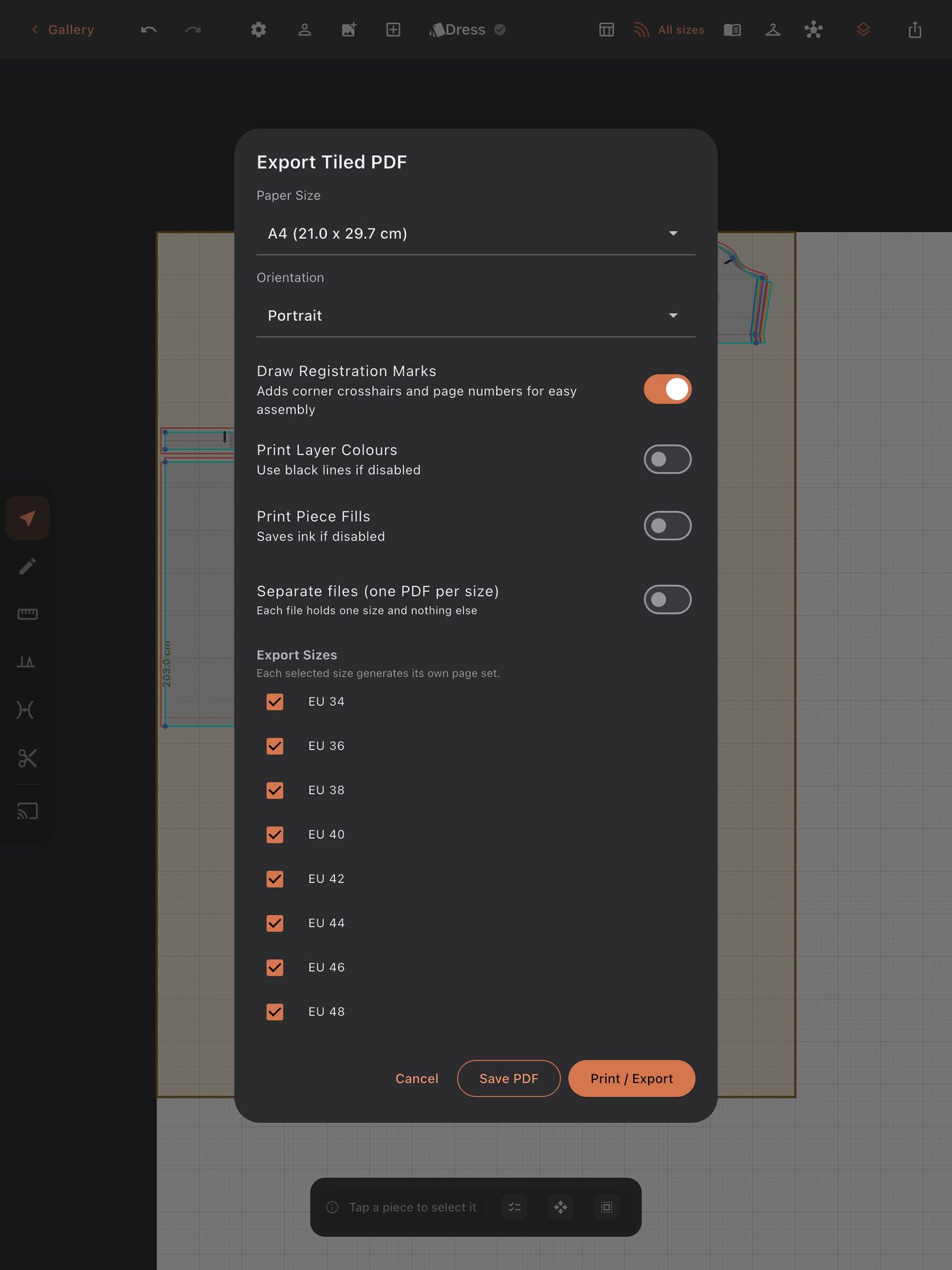
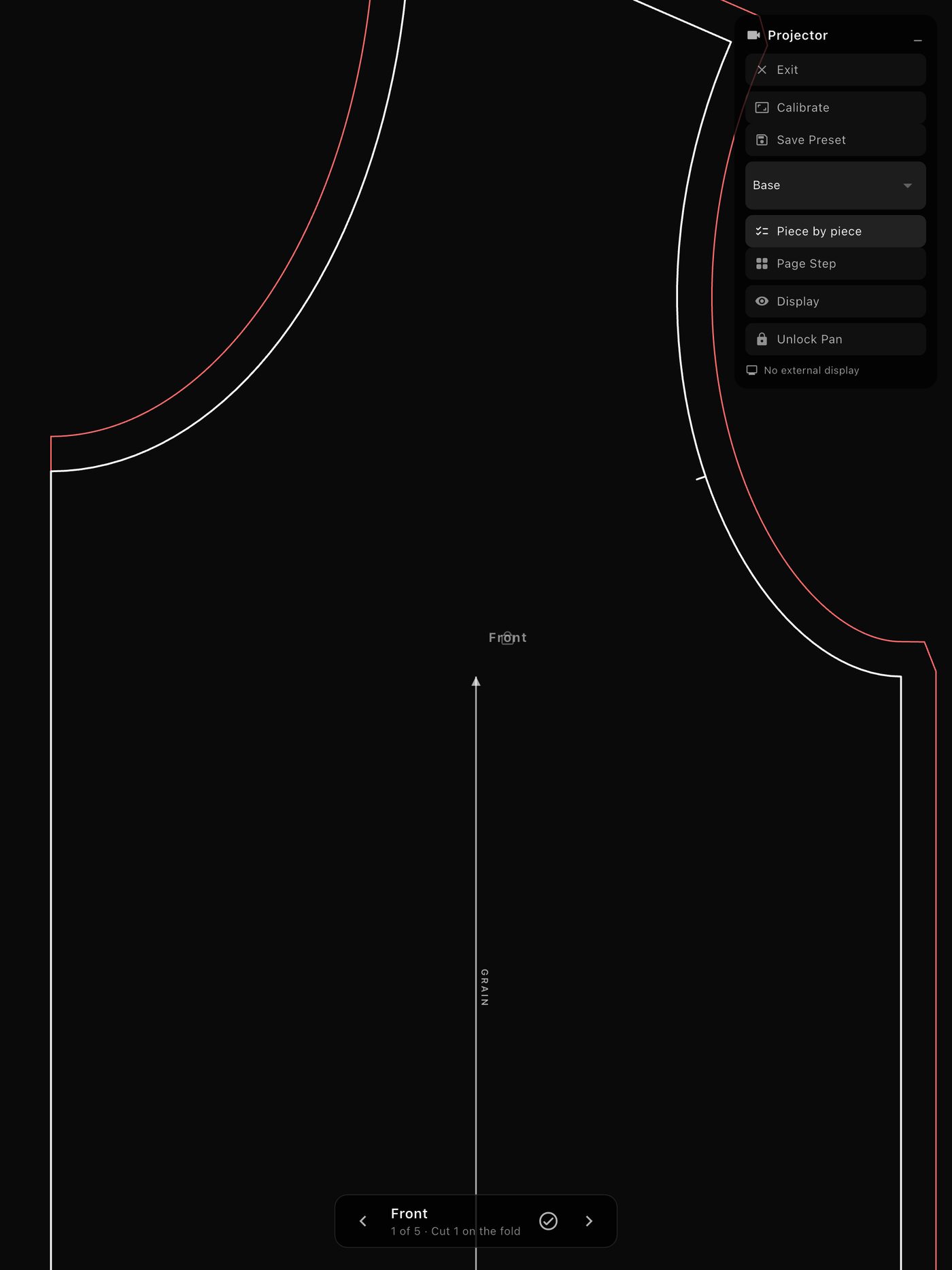
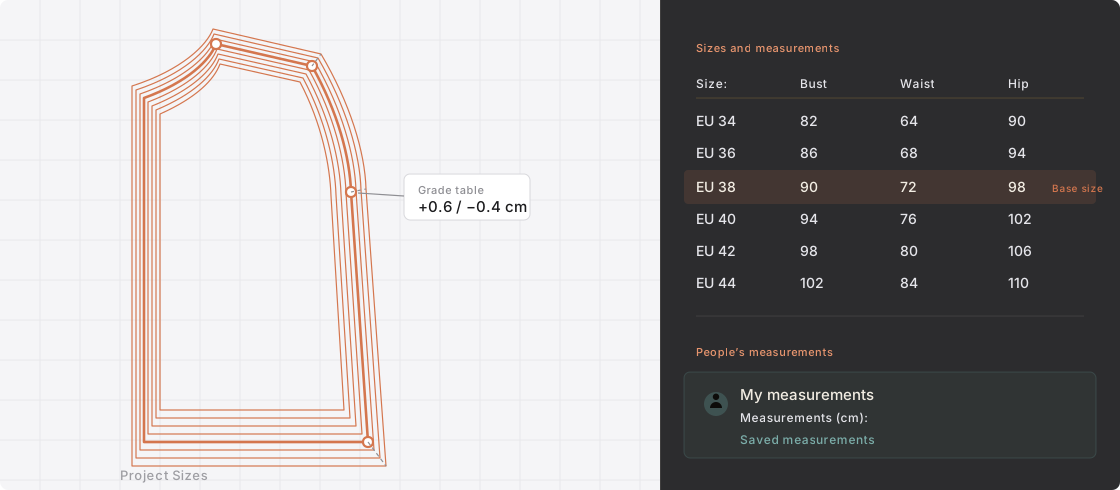
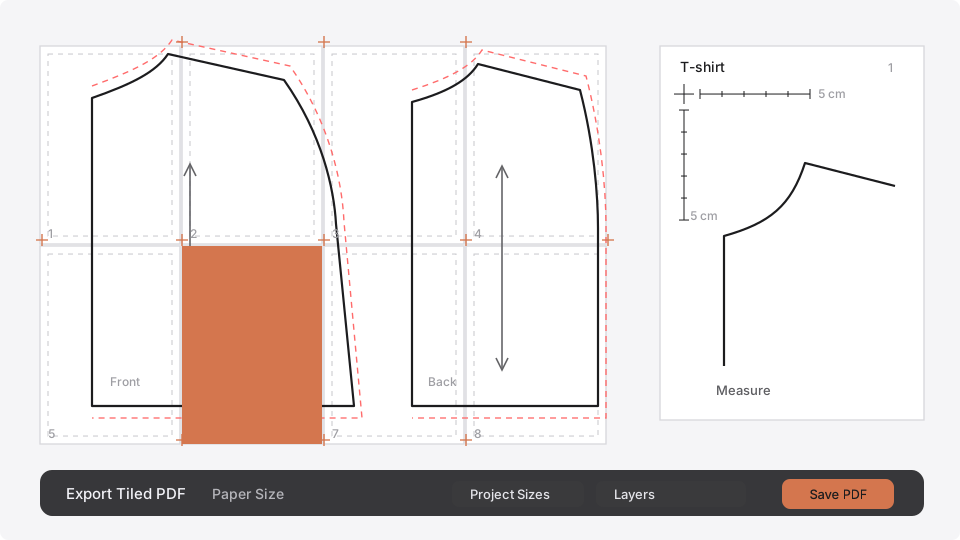
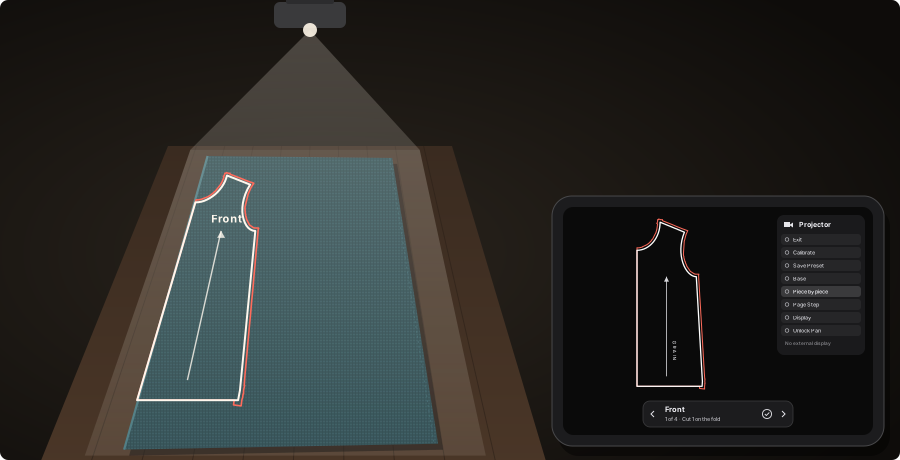
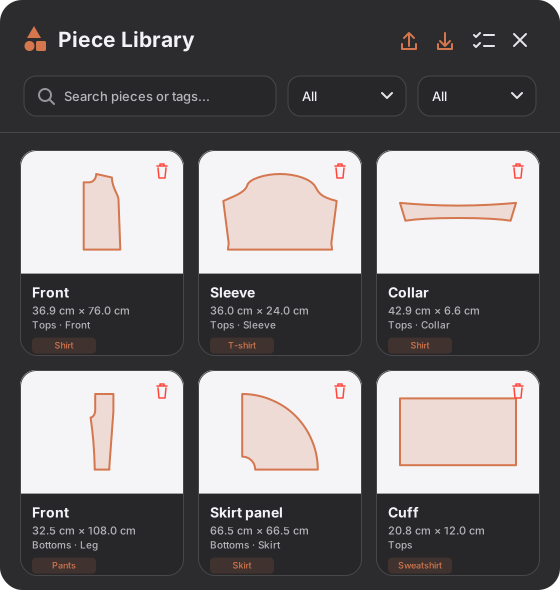
Keep the work you have already done. Change a length, reuse a sleeve or make another size without starting again on paper.
✏️
Draw freehand, or type the number
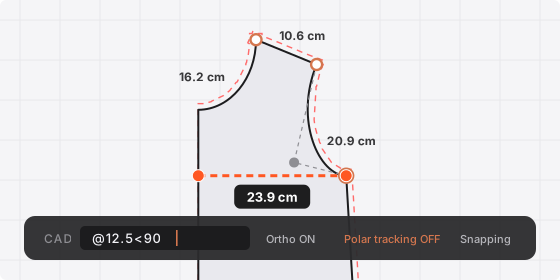
Polygon, rectangle, circle, and freehand that snaps to the shape you meant when you hold at the end of a stroke. Pull Bézier curves, split edges, merge nodes. And when a line has to be exactly right, type it — the command bar takes coordinates, relative offsets and length-at-angle, with ortho and polar tracking.
🪡
Seam allowance
A width for the piece, an override for any single edge, and a corner treatment where two of them meet. Drawn as you change it.
Per-edge control
🔗
Live Mirror
A mirrored copy that stays in sync. Edit one side and the other follows, so a symmetrical piece is edited once.
Symmetry built in
✂️
Cut, slash and spread
Divide a piece with a straight, segmented or freehand cut. Spread the sections radially to adjust darts or add fullness.
Dart manipulation
🗂️
Layers
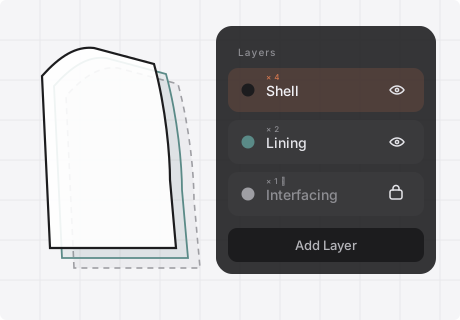
Shell, lining and interfacing in one file, each on its own color-coded layer with its own visibility, lock, snapping and default seam allowance. Export one layer and leave the rest behind.
Shell · Lining · Interfacing
📌
The markings, drawn as themselves
Notches, grainlines, drill holes, darts, fold lines, buttons, internal lines and dimensions. Every icon is drawn as the mark itself — the same symbols already printed on the patterns you buy. Nothing to decode.
Production-ready
📐
Measure anything
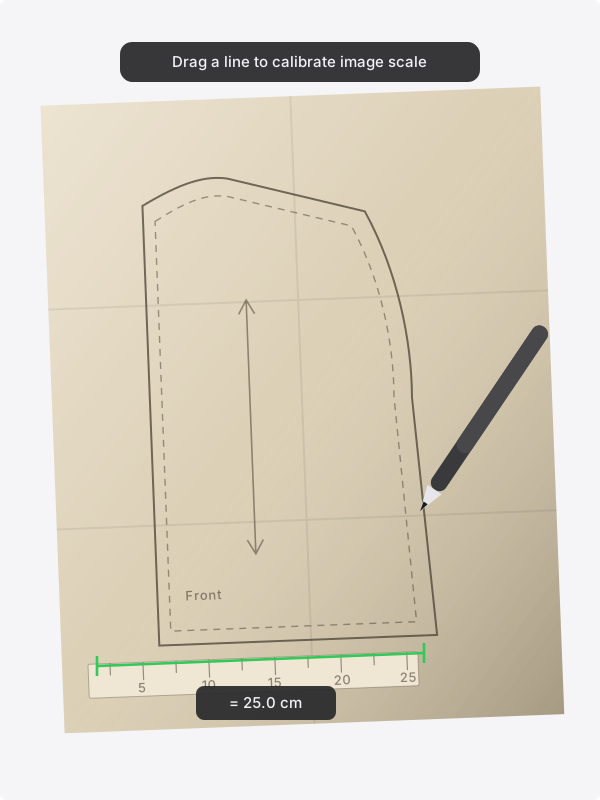
Measure distances in centimeters, millimeters or inches, and angles in degrees, directly on the canvas. Check that seams match before cutting. Know one real length of a piece? Type it, and the piece is resized to match.
⚡
Boolean merge
Fuse overlapping pieces into one clean outline — how a multi-part piece becomes a single thing to cut.
Advanced workflow
👜
Details that follow the size
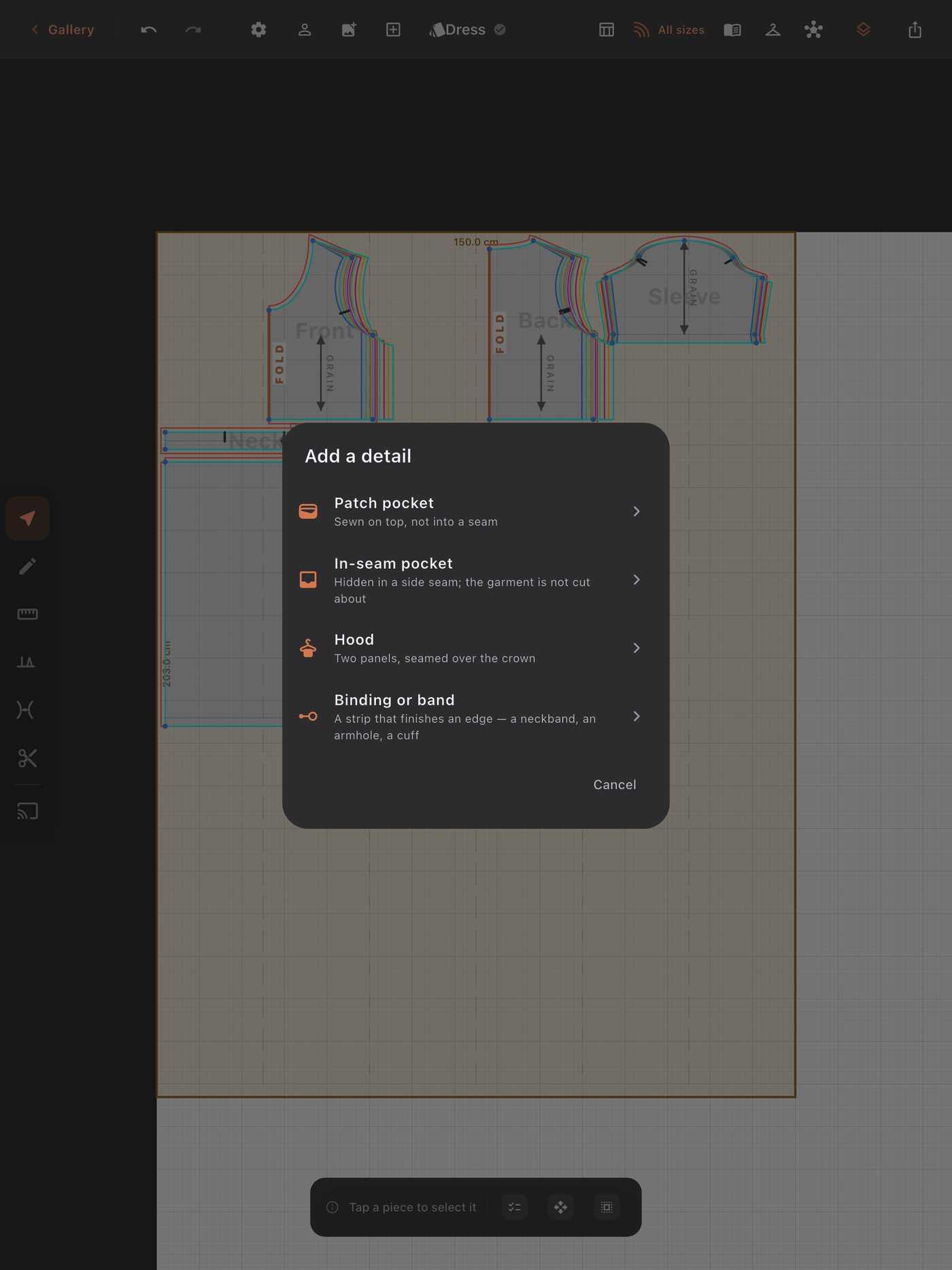
A patch pocket, an in-seam pocket, a hood or a binding, sized from the garment it is sewn to. Add a size and the hood still fits the neckline.
Pockets · Hood · Binding
🧵
How did it fit?
Tell the app how the last one sat — a waistband that dug in, a crotch that pulled when you sat down — and the next pattern is cut to what it learned, by a rule you can read.
The fitting loop
🧭
A guide, if you want one
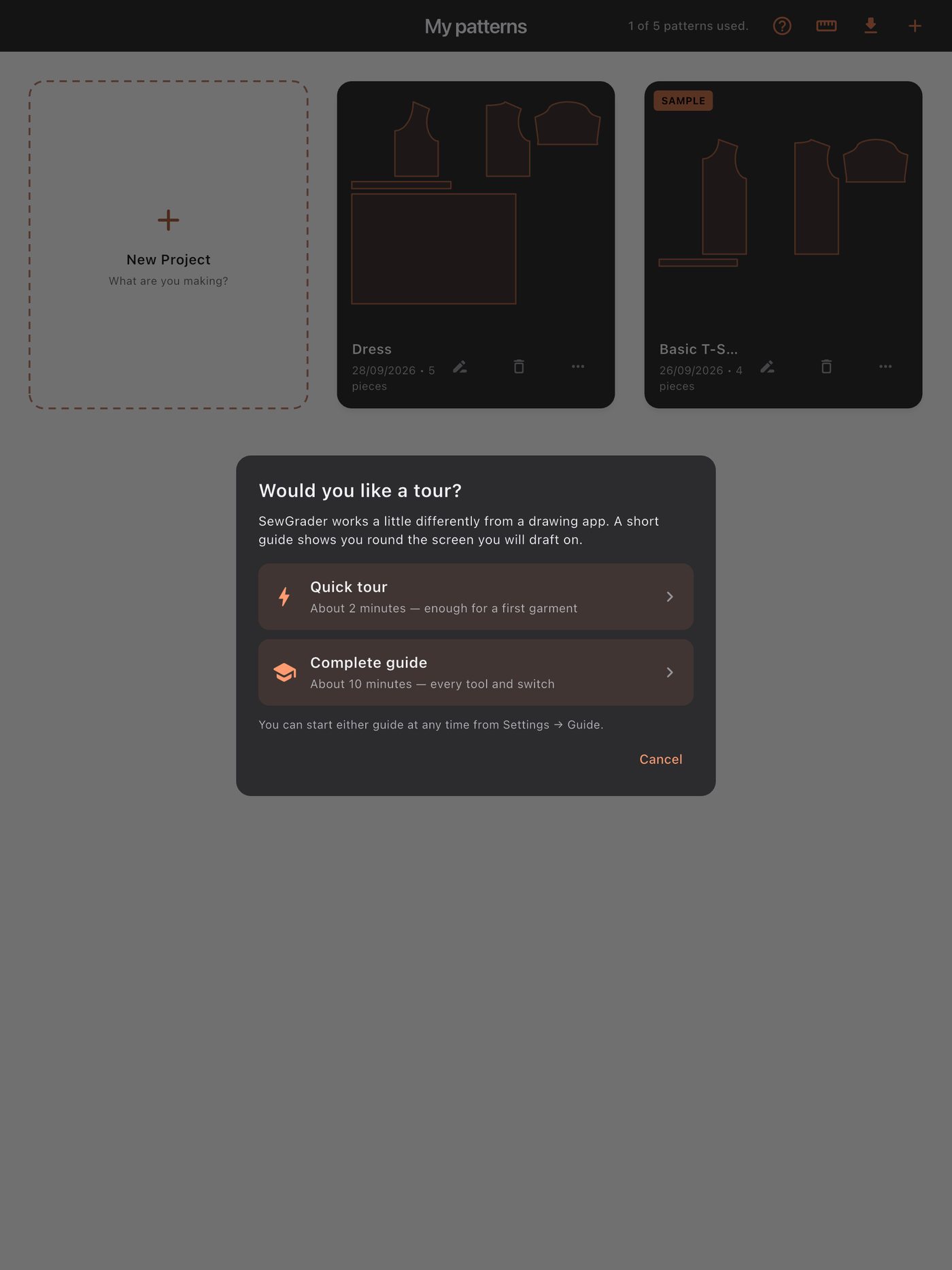
A two-minute quick tour, or a ten-minute complete guide to every tool and switch. Start either from Settings at any time — or skip both and take the sample project apart.
Quick · Complete
🛟
Restore Backup
Work saves as you go and rotating backups are kept for every project, reachable from a button on the project card. With the unlock, a copy can also live in your own iCloud Drive. A lost drawing is an afternoon; a lost pattern is a body's measurements you may not be able to take again.
Backups, not hope